
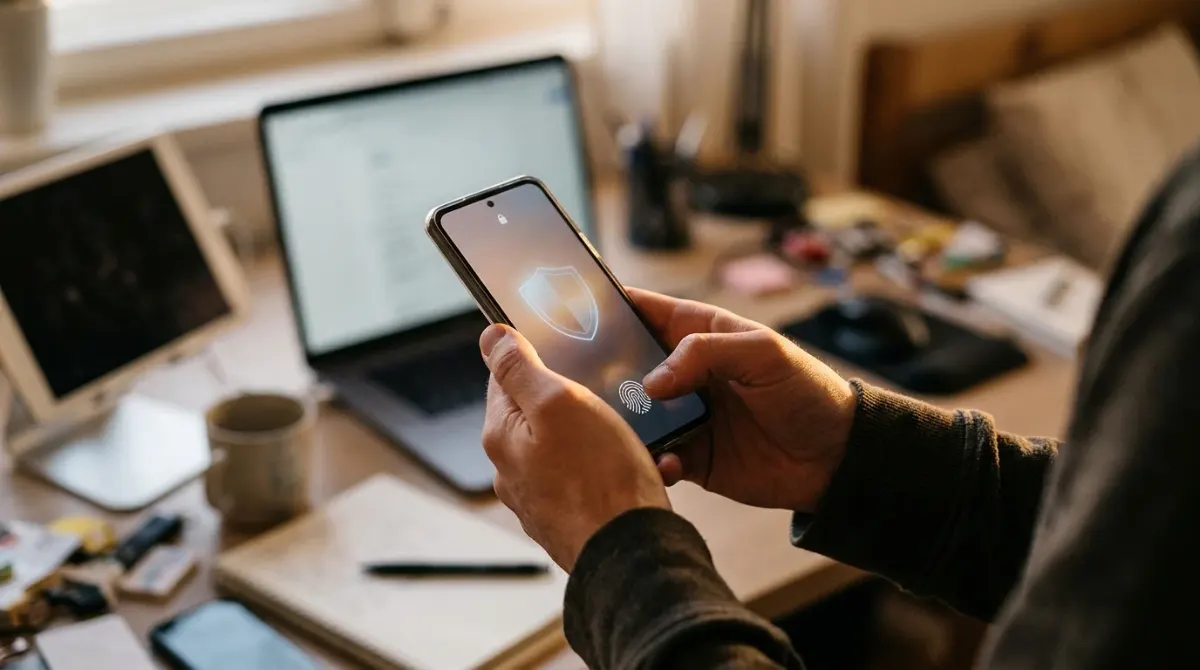
The Pakistan Telecommunication Authority (PTA) has issued a smartphone security advisory asking citizens to take basic steps to protect their phones, tablets and computers from unauthorised access, personal data theft and other digital threats. The advisory also includes guidance for parents on keeping children safe online.
The PTA smartphone security advice comes as more Pakistanis keep banking apps, mobile wallets, identity documents and family photos on a single device, which makes a lost, stolen or poorly protected phone a bigger risk than before.
What the PTA smartphone security advisory says
The regulator’s recommendations fall into a handful of clear areas.
Lock your device properly. The PTA has asked users to set strong passwords and to use biometric features such as fingerprint scanning and face recognition, so that no one else can open the device.
Keep software updated. Users should install the latest software updates and security patches regularly. These updates fix weaknesses that attackers can use to break into a device.
Back up important data. The authority recommends regular backups of important documents, photos and contacts, either to secure cloud storage or to an external drive, so that nothing important is lost if a device is damaged or stolen.
Turn on device tracking. The PTA has pointed users to tracking services such as Apple’s Find My iPhone and Google’s Find My Device. These tools help owners locate a lost or misplaced device and take steps to protect the personal information on it.
Wipe before you hand it over. Before selling, donating or sending a phone, tablet or computer for repair, users should perform a factory reset to erase personal information. The PTA said this helps make sure sensitive data does not stay accessible to someone else.
Advice for parents
The advisory also asks parents to install parental control tools on children’s devices. According to the PTA, these tools can be used to manage screen time, restrict access to certain apps and block inappropriate online content.
Both major mobile platforms ship with built-in parental controls, and the authority’s advice is in line with child online safety campaigns run by other government bodies. ITInsider recently reported on the NCCIA’s Gen Z Cyber Zone, which guides young users on online fraud, fake links and protecting personal data.
Why the advisory matters
Much of the advice is basic, but the gaps it targets are common. Phones are often sold in the used market or handed to repair shops with WhatsApp chats, photos, banking apps and saved passwords still on them. Devices without a screen lock, or running old software that no longer receives security patches, are easier targets for anyone who gets physical access to them or tricks the owner into installing a malicious app.
For most users, the quickest wins are the ones that take a few minutes: setting a strong screen lock, switching on automatic updates, turning on Find My Device or Find My iPhone, and checking that backups are running. Doing a full factory reset before a phone leaves the owner’s hands closes off one of the easiest ways for personal data to leak.
Key facts
- PTA advisory covers smartphones, tablets and computers
- Use strong passwords and biometric locks (fingerprint, face recognition)
- Install software updates and security patches regularly
- Back up documents, photos and contacts to secure cloud or external storage
- Turn on Find My iPhone or Google Find My Device
- Factory reset devices before selling, donating or sending for repair
- Parents advised to use parental control tools
FAQ
What has the PTA advised smartphone users to do?
Use strong passwords and biometric locks, keep software updated, back up data, turn on device tracking and factory reset devices before handing them over.
What should I do before selling my old phone?
The PTA advises a factory reset to erase all personal information before selling, donating or sending a device for repair.
What does the advisory say for parents?
It recommends parental control tools to manage screen time, restrict apps and block inappropriate content.
Official sources: Pakistan Telecommunication Authority public advisory on device security, November 2026.
Featured image: representational, AI-generated