
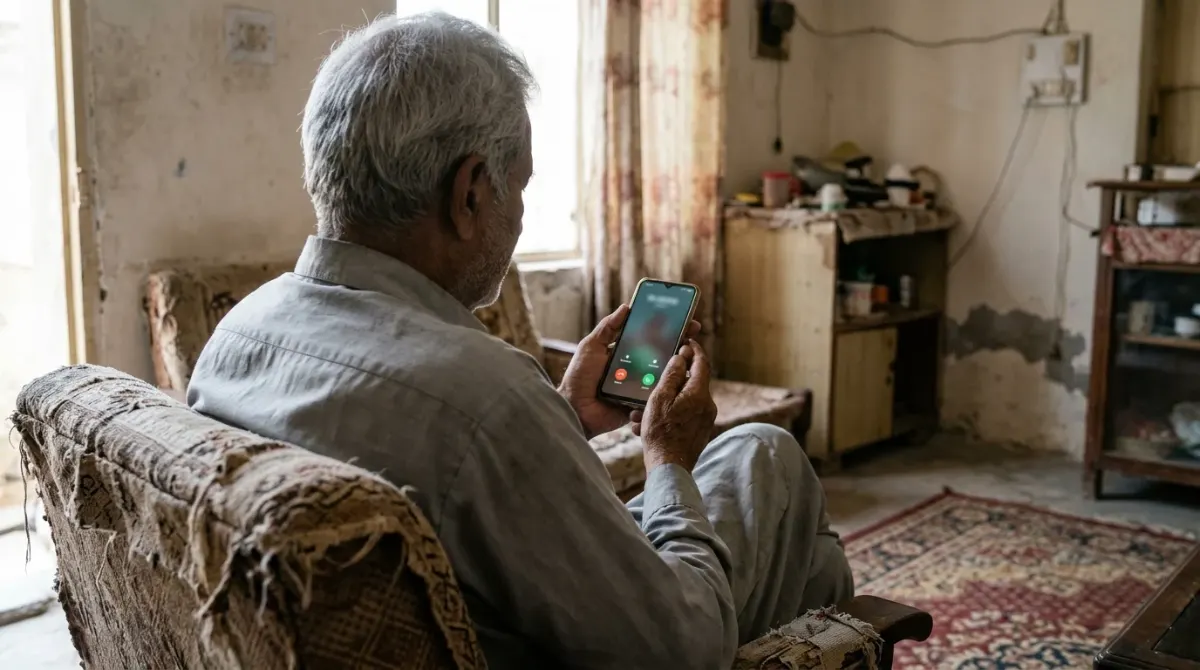
The National Cyber Crime Investigation Agency (NCCIA) has launched a dedicated cyber safety guide for older people, as fraudsters increasingly target pensioners and elderly bank customers through phone calls, messages and fake links. The NCCIA senior citizens guide is now live as a “Senior Citizens Corner” on the agency’s official website.
The page is built around a simple promise to older users: they should feel confident online and never feel alone when something looks wrong. It explains common scams in plain language and directs people to the NCCIA helpline, 1799, for help or to report a crime.
How the NCCIA senior citizens guide works
The Senior Citizens Corner is organised around three pillars: awareness, prevention and protection. Awareness means recognising cyber threats and suspicious activity before money is lost. Prevention means adopting basic safe habits to protect personal and financial information. Protection means knowing how to report cybercrime and get help from the agency.
At the top of the page, NCCIA lists five things every older user should remember:
- Never share a code. A bank will never ask for a PIN, password or the code sent to your phone.
- Prizes that need a fee are fake. If a caller says you have won something but must pay first, hang up.
- Check with family first. If someone says a relative is in trouble and needs money, call that relative directly.
- Call the number you know. Verify calls from banks or government offices using the number on your card or the official website.
- Ask for help early. Contact the NCCIA helpline to report a scam or get advice.
Ten common scams explained
The guide then walks through ten everyday situations. These include online banking fraud, fake calls from people pretending to be bank or government staff, WhatsApp and social media fraud, phishing links, identity theft, shopping and investment scams, OTP and password theft, and remote access scams.
The advice is practical. Older users are told never to confirm a transaction code to a caller, even one who knows the name of their bank. They are told to keep CNIC and account details private even from callers who claim to be verifying them, and to be wary of deals that promise unusually high returns or ask for money upfront.
The remote access warning is especially relevant. NCCIA advises people never to install screen-sharing or remote control apps for someone who calls claiming to fix their phone or computer, a trick that lets fraudsters take over banking apps directly.
The guide also recommends keeping phones and apps updated and avoiding unknown Wi-Fi networks for banking. If someone believes they are being targeted, the instruction is simple: hang up and call the helpline, with a family member if needed.
Why older users are a priority
As banking, pensions and government services move to mobile apps and wallets, many older Pakistanis are using digital channels for the first time, often with little support. That makes them easy targets for social engineering, where the attacker does not hack a system but talks the victim into handing over a code or a payment.
The new page follows the agency’s recent Kids Corner for children’s online safety, suggesting NCCIA is building awareness sections for specific vulnerable groups rather than relying only on general warnings. The NCCIA website also offers a Cyber Safety Centre and a guided reporting tool that helps people prepare a complaint step by step.
Key facts
- NCCIA has launched a Senior Citizens Corner on its official website.
- It covers ten common scams, from fake bank calls to remote access fraud.
- Core message: never share a PIN, password or OTP with anyone.
- Helpline for help and reporting: 1799.
FAQ
Where can I find the guide?
On the NCCIA website under Senior Citizens Corner (nccia.gov.pk/seniors.html).
What should I do if I get a suspicious call?
Hang up, call your bank on the number printed on your card, and contact the NCCIA helpline at 1799.
Official sources: NCCIA Senior Citizens Corner
Facts and figures checked against official sources by the ITInsider desk.
Featured image: representational, AI-generated