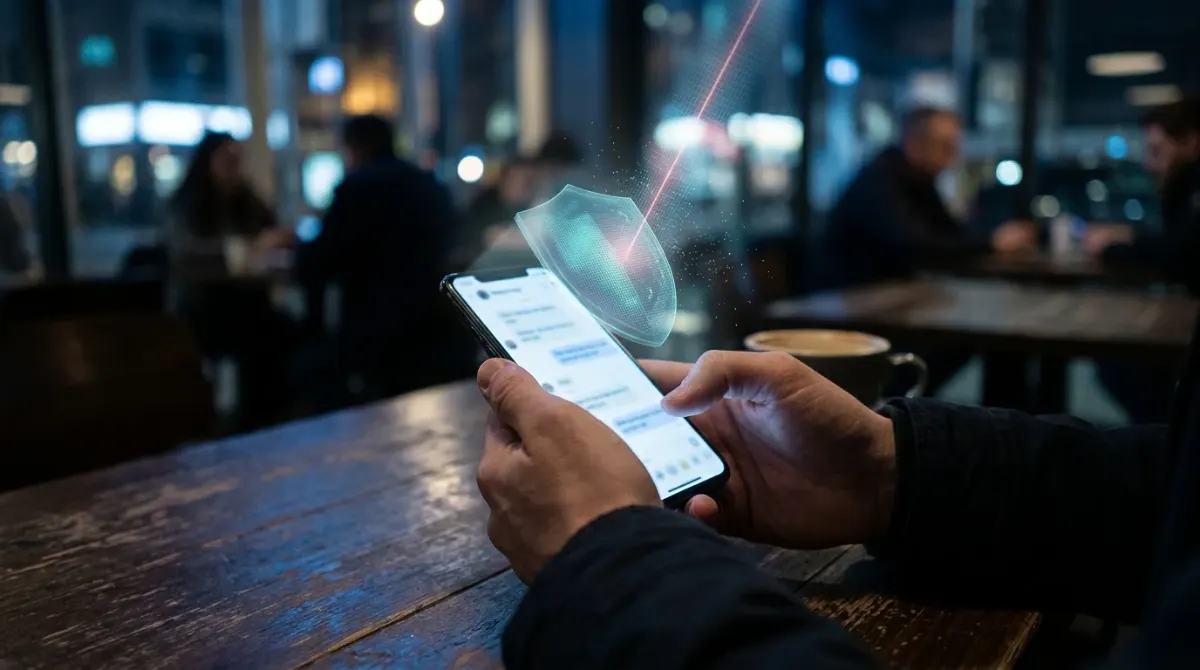
Signal is rolling out a Signal screenshot block on mobile phones, a step the encrypted messaging app says it has been forced into by artificial intelligence agents that operating systems are building into the core of iOS and Android.
In a blog post dated 20 November, Signal President Meredith Whittaker said the app will now prevent screenshots on iOS 27 and will block screen capture on Android whenever it can detect an AI assistant trying to read what is on the Signal screen. She described the trend as an existential threat to the service and to its mission of private communication.
The change will affect Signal users everywhere, including journalists, lawyers and businesses in Pakistan who use the app for confidential conversations.
Why Signal is blocking screenshots
According to Signal, the problem lies with new agentic features that Google, Apple and Microsoft are adding to their operating systems. Signal named Gemini-based capabilities on Android and Onscreen Awareness with Siri on Apple devices as examples of assistants that can scan what appears on a user’s screen in order to answer questions and carry out tasks.
When such an agent reads a Signal chat, Whittaker wrote, the content of that conversation is captured and can be stored or sent to whatever local database or remote server the agent relies on. Once that happens, the data is outside Signal’s control, and the privacy of everyone in the conversation is at risk, not just the person whose phone is being scanned.
Signal said that for more than a decade its privacy promise has rested on open source code and a formally verified encryption protocol that security researchers around the world have tested. Its argument is that strong encryption in transit means little if the device’s own operating system copies messages off the screen after they are decrypted.
A repeat of the Windows Recall fight
This is not the first time Signal has taken this route. Last year it turned on screenshot blocking by default in its Windows app to stop Microsoft’s Recall feature from taking and storing images of Signal messages on Windows 11 computers. The new measures bring similar protection to phones.
Users who want to keep taking screenshots can switch the protection off in Signal’s settings. However, the company warned that doing so could expose their own messages, and those of their contacts, to AI agents and would break its privacy guarantees.
Signal was also open about the limits of the fix. It called the remedy incomplete, noting that blocking screenshots does not stop other routes by which an AI agent could reach app data, such as reading content already stored in the phone’s file system. It added that it cannot yet offer the same protection on macOS because the operating system does not give developers a practical way to do so.
What Signal wants from Apple, Google and Microsoft
The company said it has spent months on forensic investigation across Android and iOS simply to understand what these AI systems do when they access app data, because there is little public documentation. It is now asking the three major operating system makers for two changes:
- An easy, well-documented way for developers to opt their apps out of AI data access and processing, covering screen reading, file system access, notifications and other system frameworks, without breaking the app’s basic functions.
- Clear technical documentation and specifications on how operating system AI agents work, especially how they access and process data.
Signal said confidential computing approaches promoted by some providers are not a full answer, because they still leave the operating system company in charge of deciding what privacy protections, if any, users receive. It also pointed to third-party agents, naming Meta’s Muse, that use accessibility permissions granted during setup to reach data inside other apps. Those settings, Signal argued, were meant to help real people get the most out of their apps, not to serve as a skeleton key for AI agents.
The company struck a cautiously hopeful note, saying some major platform owners, including Google and Apple, are engaging with it on how AI systems should interact with privacy-sensitive apps.
What it means for users in Pakistan
For ordinary users, the practical change is simple: screenshots inside Signal may stop working on newer phones unless the setting is turned off. For businesses and officials who rely on Signal for sensitive work, the bigger lesson is that the security of a chat now depends on the phone’s operating system and its AI features as much as on the app’s encryption.
The debate also connects to wider concerns about how AI tools handle data. ITInsider recently reported on a test that showed how prompts sent through AI services can leak across the supply chain.
Key facts
- Signal will block screenshots on iOS 27 and when AI assistants try to capture the screen on Android.
- Users can turn the protection off, but Signal says this breaks its privacy guarantees.
- Signal already blocks screenshots by default on Windows because of Microsoft Recall.
- The protection is not yet available on macOS.
- Signal wants an AI opt-out for developers and better documentation from Apple, Google and Microsoft.
FAQ
Why is Signal blocking screenshots?
Signal says AI agents built into phone operating systems can read and store chat content from the screen, outside the app’s control.
Can I still take screenshots in Signal?
Yes. The protection can be disabled in Signal’s settings, though the company warns this may expose messages to AI agents.
Does this stop all AI access to Signal data?
No. Signal says it is an incomplete fix that does not cover access through the phone’s file system.
Official sources: Signal blog, “Signal is Serious About Protecting Your Privacy” (20 Nov 2026)
Facts and figures checked against official sources by the ITInsider desk.
Featured image: representational, AI-generated