
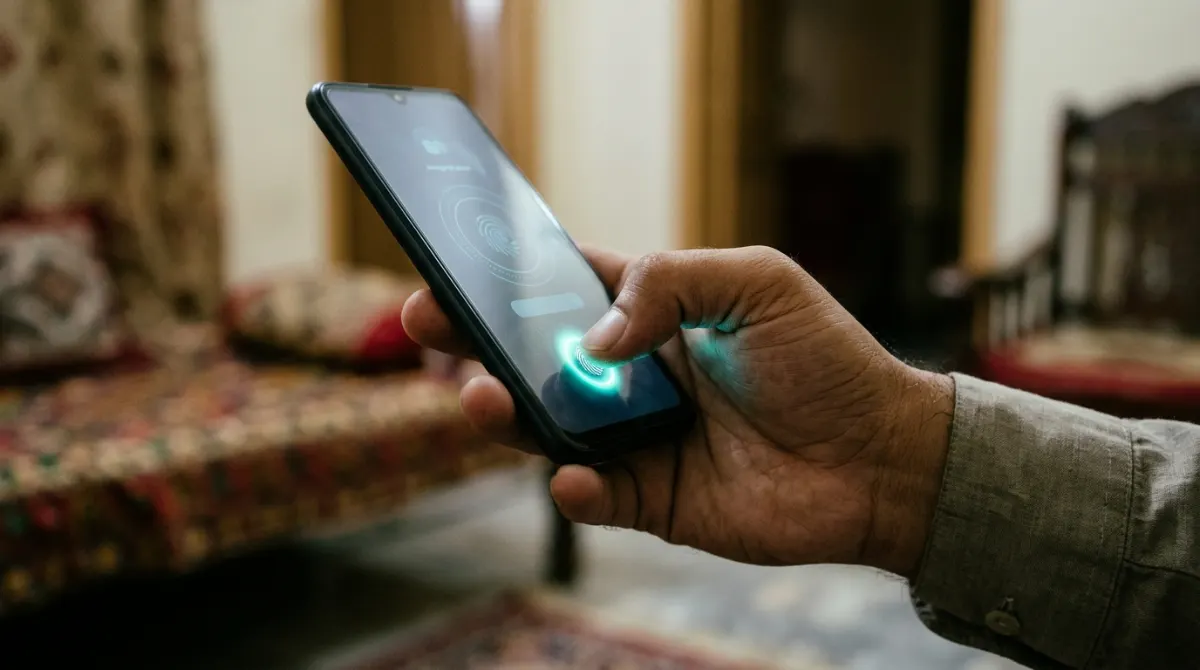
The National Database and Registration Authority (NADRA) has shared steps for citizens who are locked out of their Pak ID accounts because their CNIC number is already registered on the app.
According to NADRA, some users trying to sign up on the Pak ID mobile app see an error saying their CNIC is already linked to another account. In that case, NADRA advises users to recover the existing account instead of trying to create a new one.
Steps to recover the account
- Open the Pak ID mobile app and enter your CNIC number on the login screen.
- Tap the “Forgot Password” option and enter your email address.
- Enter the two-factor authentication (2FA) code that the app sends to your email.
- Complete biometric verification to confirm your identity.
Once verification is complete, users can get back into their existing Pak ID account.
Why it matters
The Pak ID app lets citizens apply for several NADRA services from their phones, including CNIC renewal, modification and replacement, without visiting a registration centre. Losing access to an account means losing access to these services, so the recovery route saves people a trip to a NADRA office.
Citizens who still face registration or login problems can call NADRA’s helpline at 1777.